Blair Subbaraman, finishing a PhD at the University of Washington, introduced p5.fab, a p5.js library he started several years ago for writing machine instructions directly instead of modeling objects. Participants came with a wide range of experience, from people who make generative shapes and plotter parts to teachers looking for ways to bring code and 3D printing to high school students.
He began with the usual workflow: design geometry in CAD, slice it into layers, and send the resulting G-code to the printer. That pipeline works, he said, but it separates geometry from settings and from the physical result, so every problem means a long trip back through the software. It is also hard to share, since a print depends on the machine, filament and calibration. Yet many failures are interesting. He showed prints from the “Cursed Benchies” community and work by artists who lean into the gap between digital plan and physical outcome, including filament sculptures generated with Processing, clay prints that pool where the printer pauses, and plotter drawings made with watercolor brushes that flex.
p5.fab skips the slicer. Most G-code is just “move in a straight line,” with values for position, speed and how much material to extrude. In his browser editor, which needs no installation or printer, Subbaraman built up from moving to the center of the bed to extruding a line, a square and then stacked layers. He changed the extrusion multiplier the way you would change stroke weight in p5.js, adjusted speeds, and showed the G-code values change in response. Using circles whose diameter follows a sine wave, he grew a wavy vessel, then used map() to soften the curve so it could print without support. He showed the same basket-weave project printed in four materials, including homemade Play-Doh paste, and a remix graph on the site where people share settings that worked for them. A final video showed a MIDI controller changing print settings live as the machine ran.
In Q&A, participants asked about Bambu printers, pen plotters, Blender and AI tools. He described his PhD interviews about printer maintenance and his aim of helping people get to know their machines rather than tweaking settings in a slicer. One teacher planned to use the library to demystify printers for students, and another participant began writing a Bambu configuration during the session.
Three takeaways
- G-code is approachable. Most of a print file is straight-line moves with position, speed and extrusion values, which you can write directly from code (00:09:43–00:16:01).
- Treat settings as creative material. Extrusion, speed and layer height can be varied within a print, the way stroke weight is in a sketch (00:24:16–00:33:50).
- Share settings, not just shapes. Because results depend on machine and material, sharing the code and settings that worked lets others adapt a print (00:44:04–00:45:00).
Try it
Adapted from the workshop: open a new sketch in the copypastes editor, draw a stack of circles from z = 0 to 50, and set each circle’s diameter to 40 + 5 × sin(t), where t maps z from 0 to 2π. Preview it, then download the G-code if you have a printer.
Watch and explore
Replay: Watch on YouTube
- p5.fab workshop materials
- copypastes editor
- TRELLIS image-to-3D model (shared by a participant in response to a question; not a presenter resource)
From the original program
Published before the event
3D printing with p5.fab!
p5.fab is a Javascript library to control digital fabrication machines using creative code. In this workshop, we’ll introduce p5.fab and work through 3D printing examples to make physical things with creative code!
About the presenters
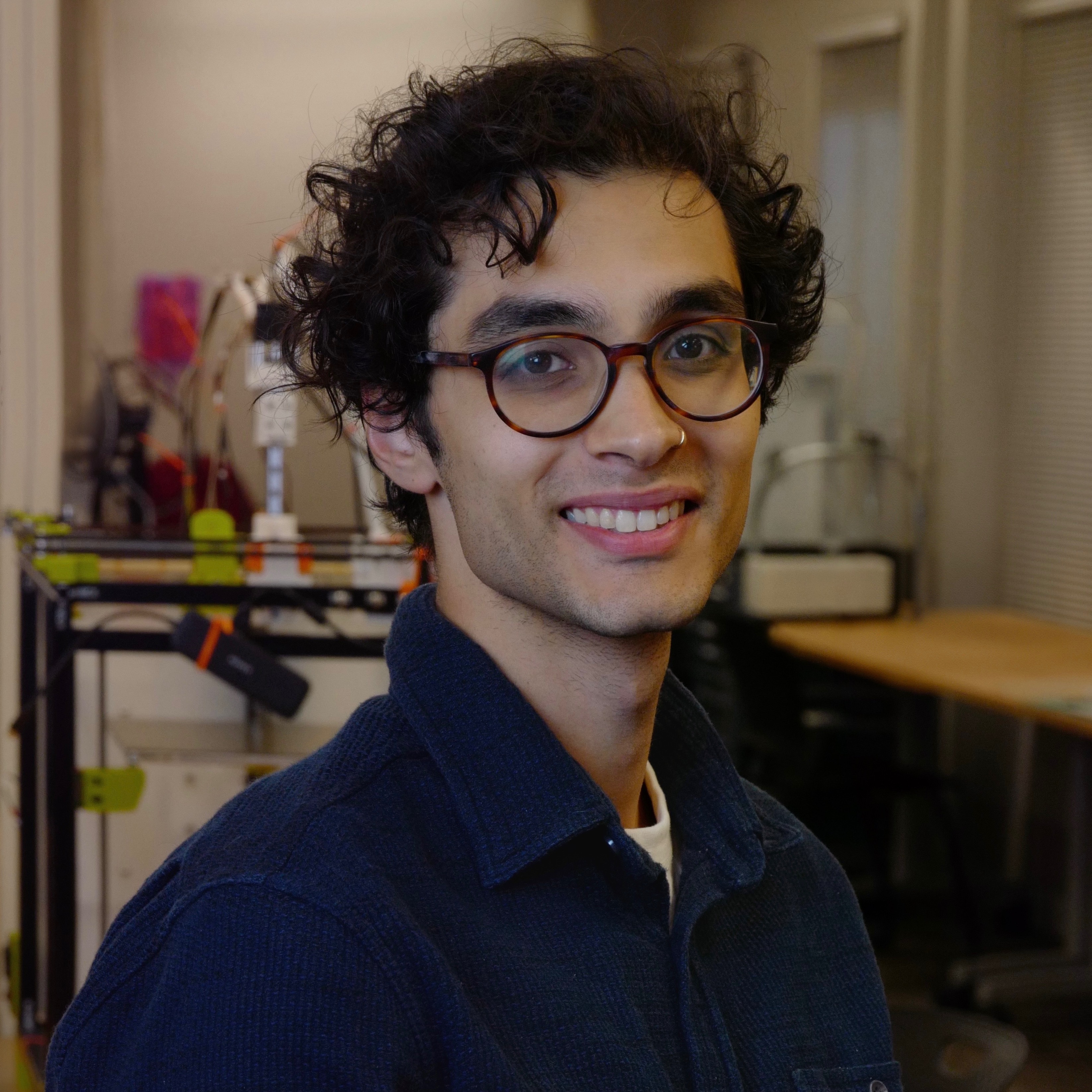
Blair Subbaraman
he/him
Blair is a human-computer interaction researcher interested in how to use machines that manipulate the physical world for insight and expression.