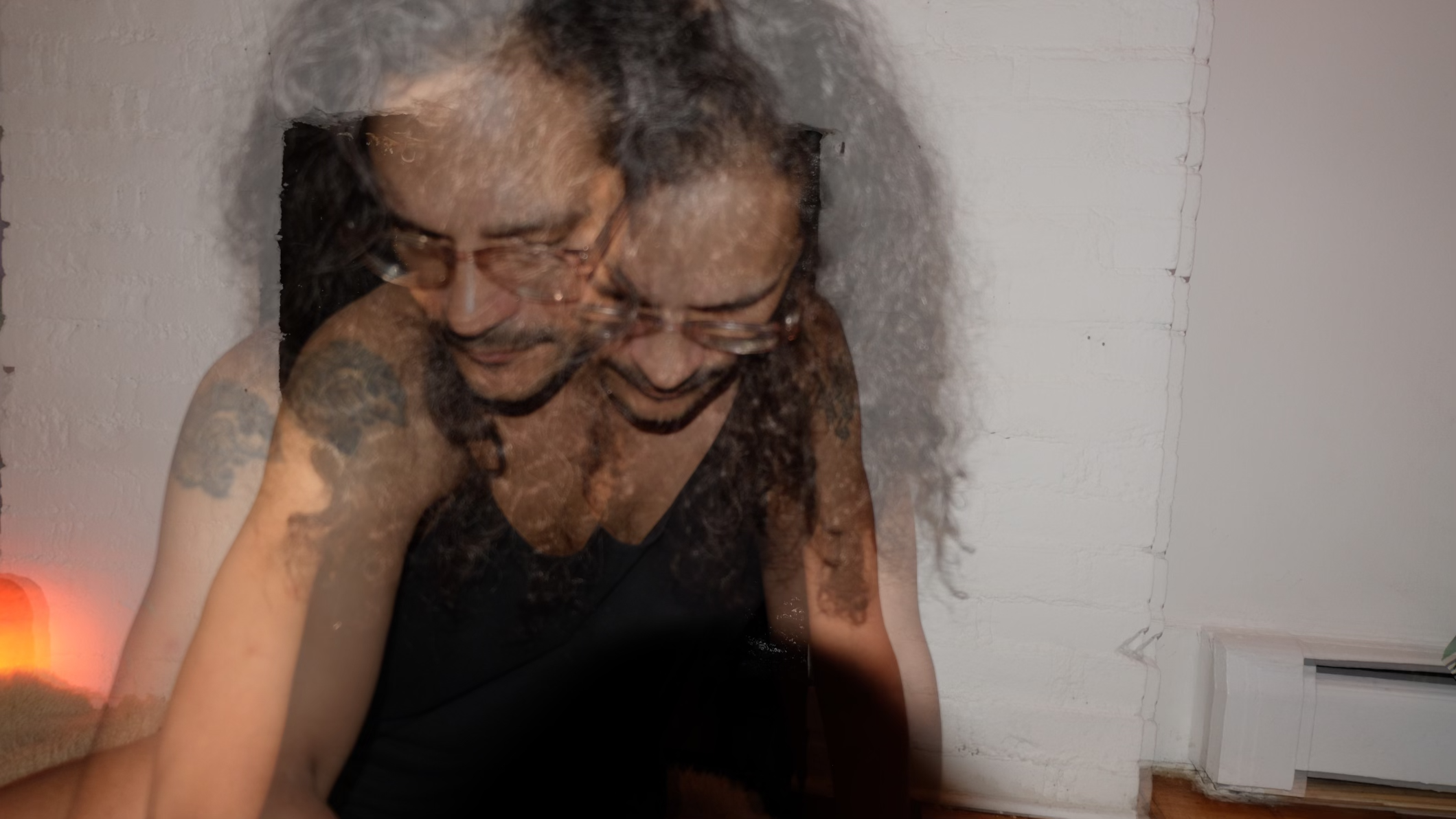
M DeNardo has taught children ages 7 to 10 for about 20 years, often by live coding in front of them. Their session looked at live coding in Scratch both as a teaching method and as a way to show children how to generate ideas. They described live coding in a classroom as risky, a performance that takes practice and a certain athleticism, and best done in a framework where you can make something surprising quickly. Children, they said, want to see something special fast, so a full game is often the wrong scale for a first project.
Starting from a blank project, DeNardo built a forever loop that slowly grew a tiny Scratch cat while increasing its mosaic effect, then duplicated the sprite with a whirl effect. The overlapping effects produced a moiré pattern, which they pointed out could lead to a conversation about math and physics, not only coding. An attempt to recreate turtle-style move-and-turn shapes did not work, and they let it go on screen: when something fails, you keep teaching. Clones were their reliable fallback. A sprite that follows the mouse and clones itself every frame quickly fills the stage, and tying its size to the mouse’s x position, then adjusting the scaling, gave the class a concrete way to talk about coordinates and inputs. Kids love it, they said, when you don’t have it together and then pull off a magic trick.
Later demos added a variable-driven repeat loop, a pixelated background layer of randomly placed clones, and keyboard controls for the fisheye effect. They briefly showed Hydra, a browser live coding environment, to compare how other tools randomize values. When the arrow keys did nothing, a participant spotted that both scripts used the up arrow, which DeNardo turned into advice: trust the other eyes in the room, because a student will often see the bug first.
In the final minutes, a sixth-grade teacher asked about broadcast and custom blocks, which his students find difficult. DeNardo built a sprite that follows the mouse and broadcasts a message to change the backdrop when it touches the edge, debugged it live, and showed how the same behavior can become a custom block. They suggested naming messages explicitly and avoiding extra machinery that a project does not need.
Three takeaways
- Start small and surprising. A forever loop with a growing effect gets children to a “wow” faster than a game (00:11:23–00:15:30).
- Model recovery. Dropping a demo that is not working, and saying so, shows students how to keep going (00:20:18–00:24:38).
- Let the room debug. Students often spot the mistake before the teacher, as with two scripts that both used the up arrow (00:47:54–00:49:46).
Try it
Adapted from the session: in Scratch, make a sprite go to the mouse pointer forever and create a clone of itself each time. Change its size by mouse x divided by different numbers until the motion feels right, and talk through what x is doing.
Watch and explore
Replay: Watch on YouTube
From the original program
Published before the event
Livecoding with Scratch
Scratch is a great live coding tool: in this class we will ideate and rapid prototype fun drawing and music applications that translate into performance pieces.